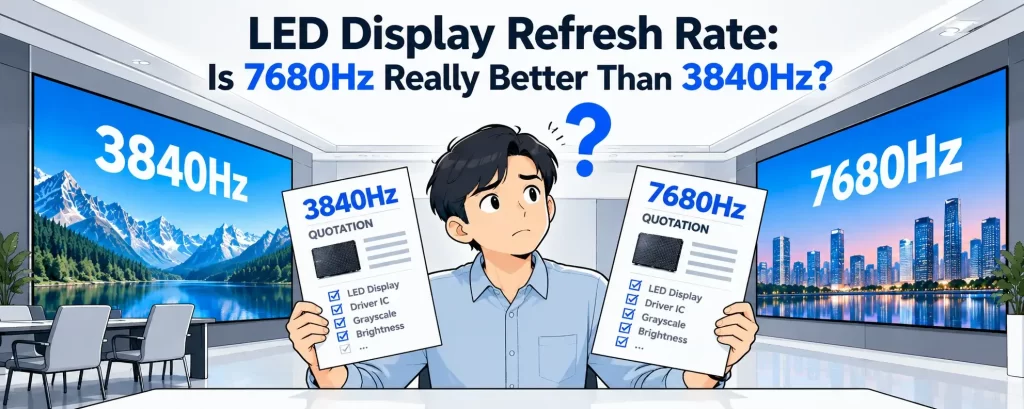
Why 3840Hz Is Not a Guaranteed Fix
A 3840Hz refresh rate does not automatically guarantee flicker-free camera performance.
LED video wall flicker on camera can still appear because refresh rate is only one part of the system. PWM frequency, grayscale performance, driver IC quality, scan mode, brightness level, and camera shutter settings can all affect the final result.
This is why two LED walls with the same advertised 3840Hz refresh rate may perform very differently under professional cameras.
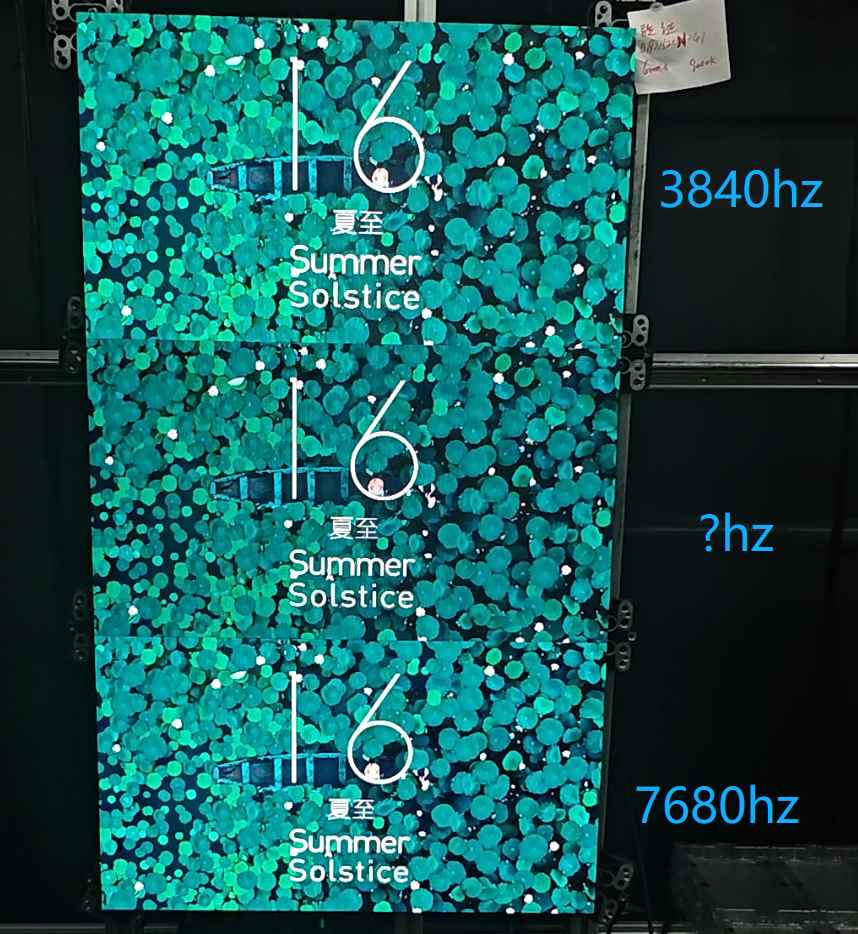
Why LED Flicker Appears on Camera but Not to the Human Eye
Human Vision vs Camera Sensors
The human eye integrates light over time. Most flicker becomes invisible once refresh rates exceed ~1000Hz.
Cameras work differently:
- CMOS sensors scan line by line (rolling shutter)
- High shutter speeds expose refresh and grayscale instability
- PWM dimming interacts with frame capture timing
That’s why LED video wall flicker on camera can appear even when the screen looks perfect in person.
Core Reasons LED Video Walls Flicker on Camera
1. 3840Hz Refresh Rate Alone Is Not Enough
A 3840Hz refresh rate only defines how often the image updates, not how brightness is controlled.
| Spec | What It Affects | Camera Impact |
|---|---|---|
| Refresh Rate | Image update frequency | Medium |
| PWM Frequency | Brightness modulation | High |
| Gray Scale Bit Depth | Smooth luminance steps | Critical |
| Driver IC Quality | Signal stability | Critical |
👉 This explains many LED display flickering problems in real projects.
2. Low PWM Frequency (The Most Common Cause)
Many LED screens advertise high refresh rates but still use low PWM dimming frequencies (≤2kHz).
When camera shutter speed exceeds PWM cycles:
- Banding appears
- Rolling bars move across the screen
- Flicker worsens at low brightness
Recommended for camera shooting:
As a practical engineering reference, many camera-sensitive applications require substantially higher PWM frequency than the advertised screen refresh rate.
- PWM ≥ 16kHz (broadcast)
- PWM ≥ 8kHz (conference & corporate video)
This is the #1 overlooked factor in camera flicker LED screen solution projects.
3. Inadequate Gray Scale at Low Brightness
Most flicker complaints happen below 30% brightness.
Why?
- Poor LED driver ICs reduce gray levels
- Voltage steps become uneven
- Camera exaggerates luminance jumps
Engineering benchmark:
- True 16-bit gray scale
- Stable current control per channel
- No artificial “gray scale stretching”
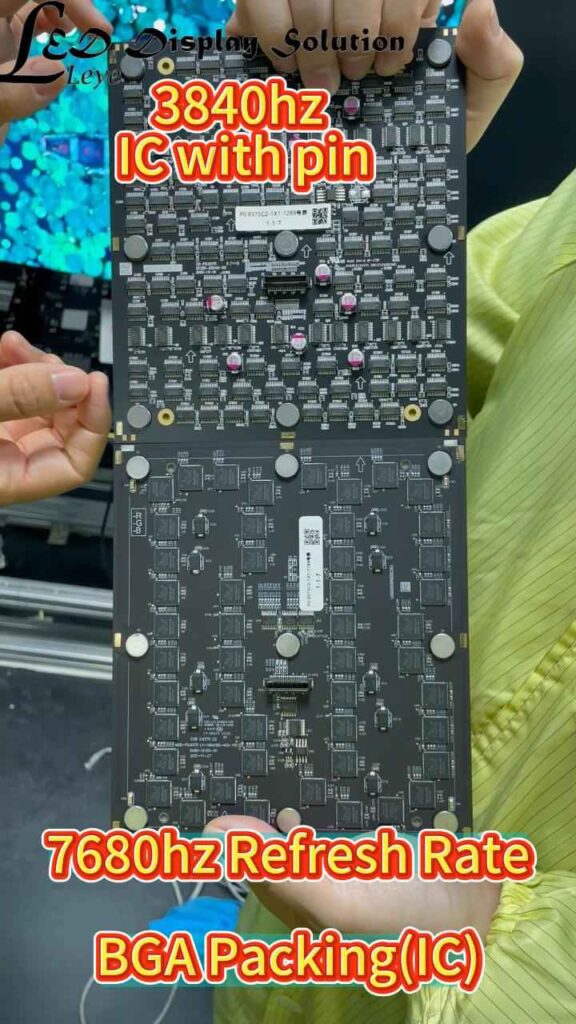
4. Driver IC Quality (Hidden but Decisive)
Two LED walls with identical specs can perform very differently on camera.
High-end driver ICs offer:
- Higher PWM frequency
- Better current linearity
- Reduced signal jitter
- Consistent frame timing
Cheap driver ICs:
- Fake 3840Hz via frame repetition
- Visible flicker under broadcast cameras
This is why factory-level configuration matters more than brochure specs.
5. Camera Settings vs LED Settings Mismatch
Sometimes the LED wall is fine — the setup isn’t.
Common mismatches:
- Shutter speed too high (1/2000+)
- Unlocked frame rate
- Auto-exposure hunting PWM cycles
Recommended camera settings:
- Shutter: 1/50 – 1/125
- Locked frame rate (25/30/50/60fps)
- Manual exposure
- Disable rolling HDR modes if possible
Professional Comparison: “Looks Fine” vs “Camera-Ready” LED Walls
| Feature | Standard Commercial LED | Camera-Optimized LED |
|---|---|---|
| Refresh Rate | 1920–3840Hz | ≥3840Hz (real) |
| PWM Frequency | 2–4kHz | ≥8–16kHz |
| Gray Scale | 12–14 bit | True 16-bit |
| Driver IC | Cost-driven | Broadcast-grade |
| Camera Flicker Risk | High | Low |
This table explains why LED refresh rate for camera shooting must be evaluated holistically.
Real Project Scenarios Where Flicker Appears
🎥 Broadcast Studio
- XR & virtual production
- Requires zero flicker at high shutter speeds
🎤 Live Events & Concerts
- IMAG cameras amplify PWM artifacts
🏢 Conference Rooms
- Flicker visible during Zoom/Teams recording
🏟 Sports Venues
- Slow-motion replays expose instability
How Engineers Actually Fix LED Video Wall Flicker on Camera
Step-by-Step Professional Checklist
- Verify real PWM frequency (not marketing claims)
- Confirm true 16-bit gray scale
- Test with actual production cameras
- Lock camera shutter & frame rate
- Adjust LED brightness above 25% when possible
- Use camera-optimized LED driver ICs
For camera-critical projects, on-site or pre-shipment testing with the actual camera setup is more reliable than relying on brochure specifications alone.
If you’re evaluating whether 3840Hz refresh rate is enough for your LED video wall, our dedicated guide explains when 3840Hz works well and when higher-performance configurations may be necessary.
How to Avoid LED Flicker Before You Buy
When sourcing LED video walls, always ask:
- What is the PWM frequency at 20% brightness?
- Which driver IC model is used?
- Is gray scale native or software-boosted?
- Are camera test videos available?
If a supplier cannot answer clearly, flicker risk is high.
Flicker Is an Engineering Issue, Not a Single Spec
LEDLED video wall flicker on camera is rarely caused by refresh rate alone.
PWM frequency, driver IC quality, grayscale control, scan mode, brightness level, and camera settings all influence the final result.
For projects involving broadcast, XR, live streaming, sports production, or conference recording, the display should be evaluated as part of the complete camera system—not simply as an LED screen with a high refresh-rate specification.
Frequently Asked Questions
Because 3840Hz refresh rate does not determine PWM frequency, grayscale stability, driver IC performance, or camera synchronization. Any of these factors can create visible banding or flicker.
For professional camera applications, higher PWM frequencies are generally preferred. Many broadcast and XR systems use 8kHz–16kHz or higher, depending on the camera and shooting conditions.
Yes. Shutter speed, frame rate, exposure mode, and rolling-shutter behavior can all affect how an LED wall appears on camera.
Need Help With a Camera-Critical LED Project?
If your project involves broadcast, XR, live streaming, or professional filming, we can help review refresh rate, PWM frequency, driver IC configuration, and camera requirements before deployment.