FPGA-based modular video wall processing with flexible I/O, multi-window display, seamless switching and Web control for professional AV systems.
4K×2K@30Hz
Max Input
8 IN / 12 OUT
Modular Slots
FPGA
Hardware Architecture
HARDWARE FPGA ARCHITECTURE
Purpose-Built Hardware for Video Wall Processing.
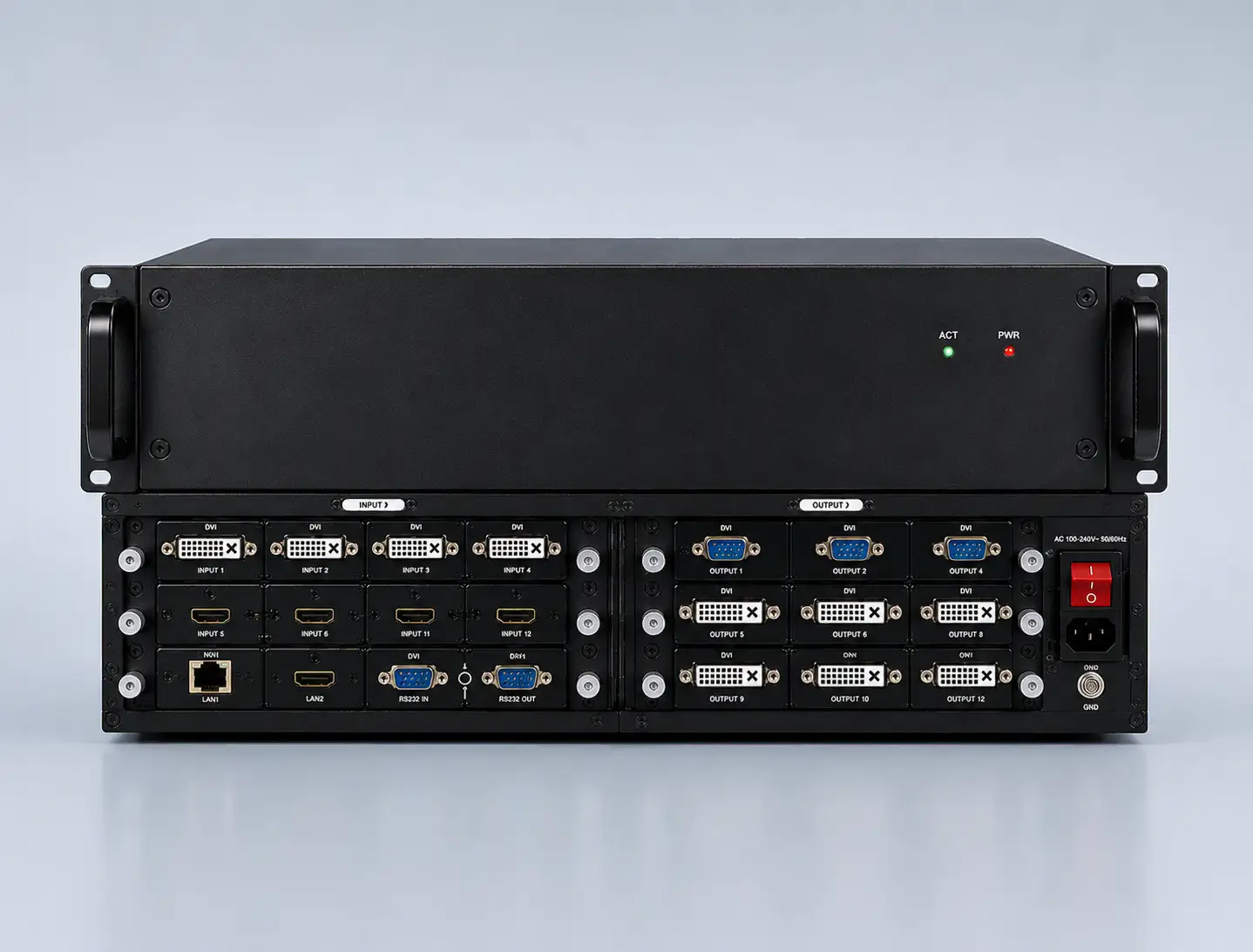
The LY31 is built on a full hardware FPGA architecture with no embedded operating system. Its modular plug-in design provides dedicated image processing for professional LCD and LED video wall systems.
Full Hardware FPGA
Dedicated FPGA-based processing without an embedded operating system.
Modular I/O Design
Plug-in input and output cards provide a flexible modular hardware architecture.
Hot-Swappable Cards
Input and output cards support hot swapping for flexible system deployment and maintenance.
MULTI-FORMAT SIGNAL PROCESSING
Connect More Sources. Switch Without Disruption.
LY31 supports multiple professional video signal formats with 4K input, flexible output resolution and seamless cross-switching for complex video wall systems.
INPUT SOURCES
HDMI
DVI
VGA
CVBS
SDI
DP
4K×2K @30Hz
Maximum Input Resolution
LY31
FPGA Processing
OUTPUT
1920×1200 @60Hz
Maximum Output Resolution
Custom Output Resolution Supported
SEAMLESS CROSS-SWITCHING
Switch Sources Without Interrupting the Display.
No Black Screen
No Freezing
No Jitter
No Tearing
MULTI-WINDOW VIDEO WALL PROCESSING
Control Every Window. Build Flexible Video Wall Layouts.
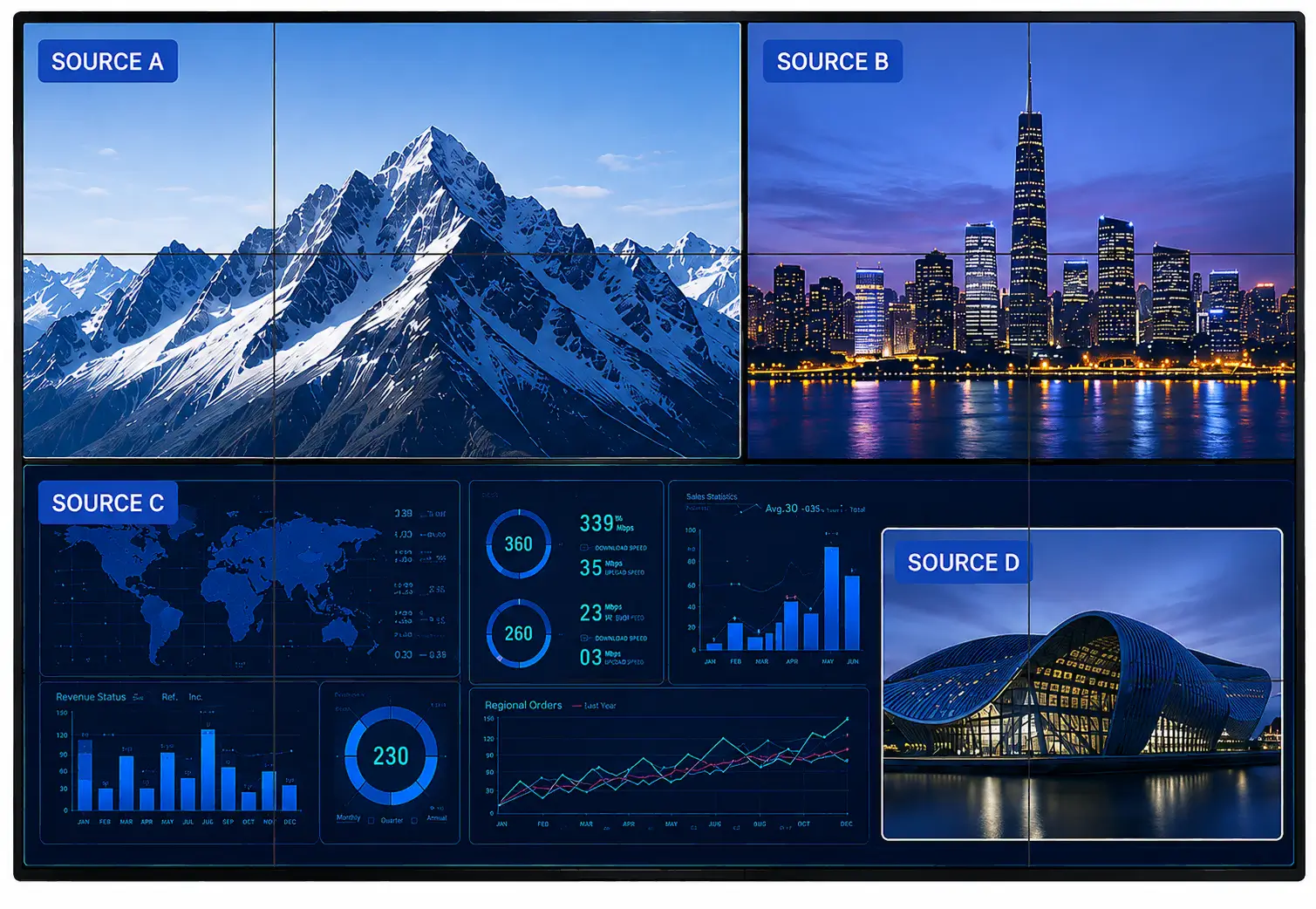
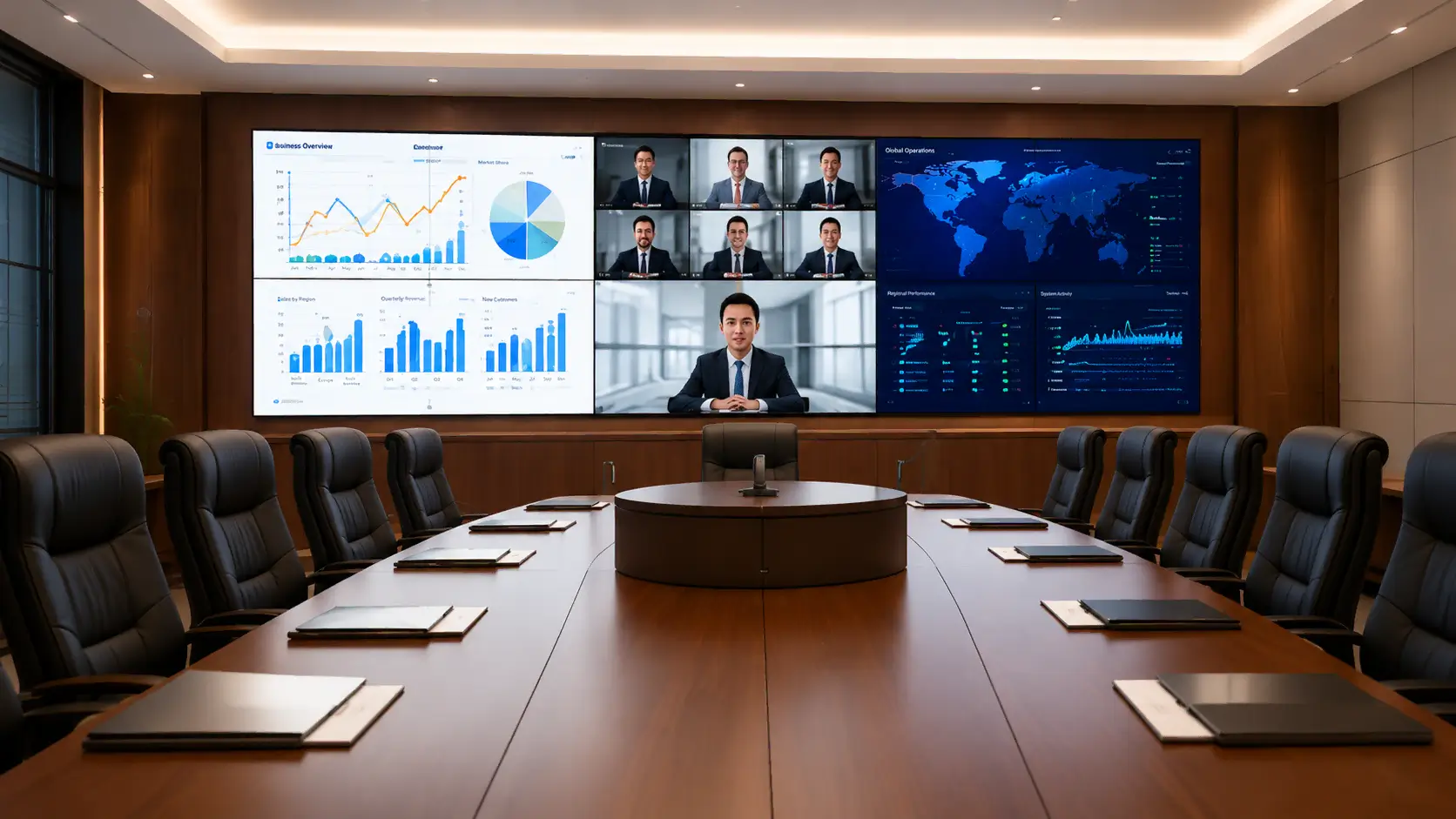
LY31 provides flexible multi-window processing for professional video wall systems, allowing multiple sources to be arranged, scaled, cropped and layered across the display.
Up to 4 Windows Per Output
Multiple windows can be displayed simultaneously on each output display.
Flexible Window & Layer Control
Create, overlay, roam and arrange windows with configurable layer order.
Crop, Scale & Stretch
Crop source content and freely scale or stretch windows for different video wall layouts.
PIP
Overlay
Roaming
Cropping
Scaling
Screen Splicing
WEB-BASED CONTROL
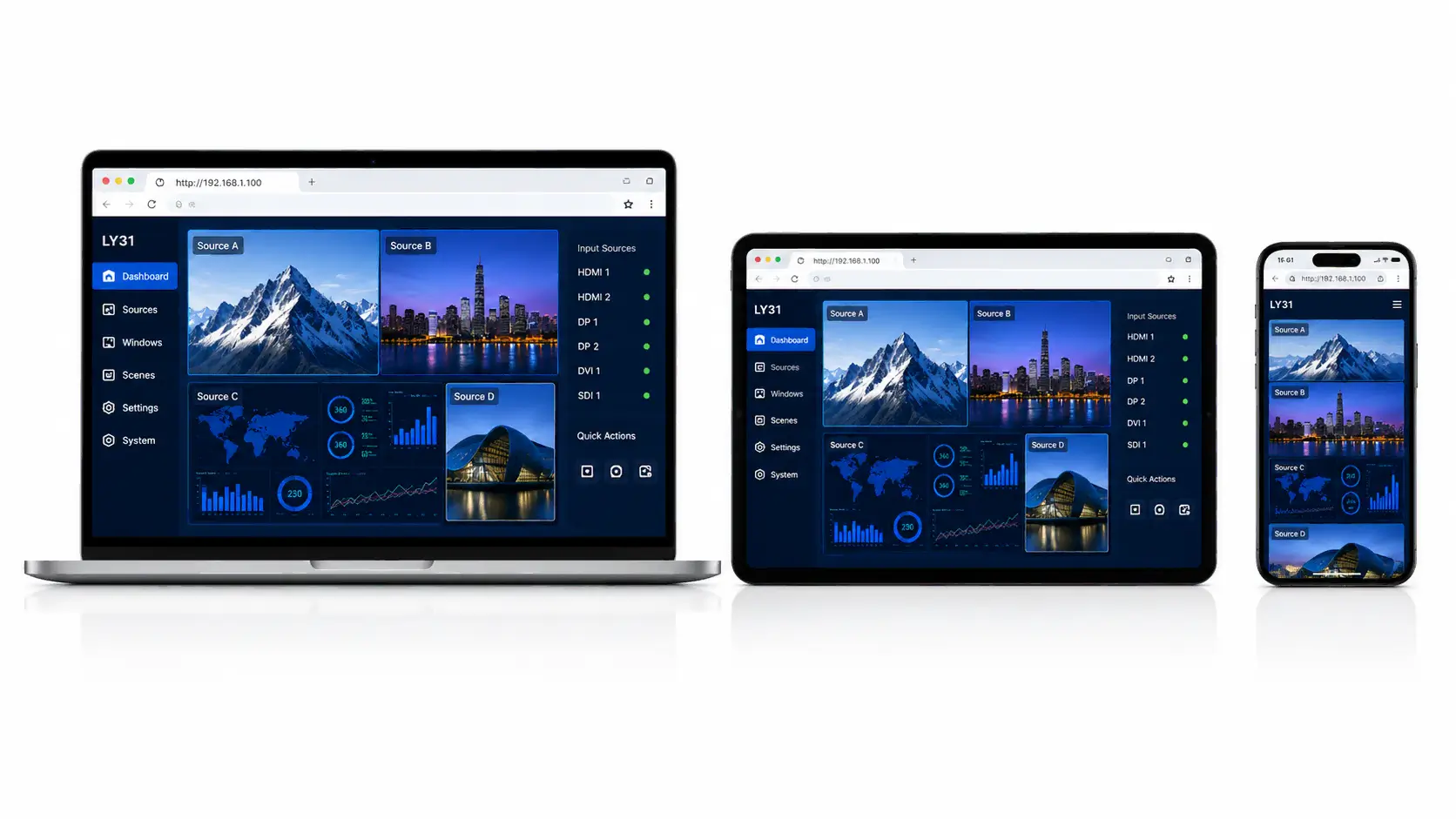
Control the LY31 From Any Browser.
Manage video wall operations through a Web-based interface on PCs, tablets and smartphones, with direct access to signal switching, source preview and system management.
Signal Switching
Switch connected input sources through the Web interface.
Source Preview
Preview input sources before displaying them on the video wall.
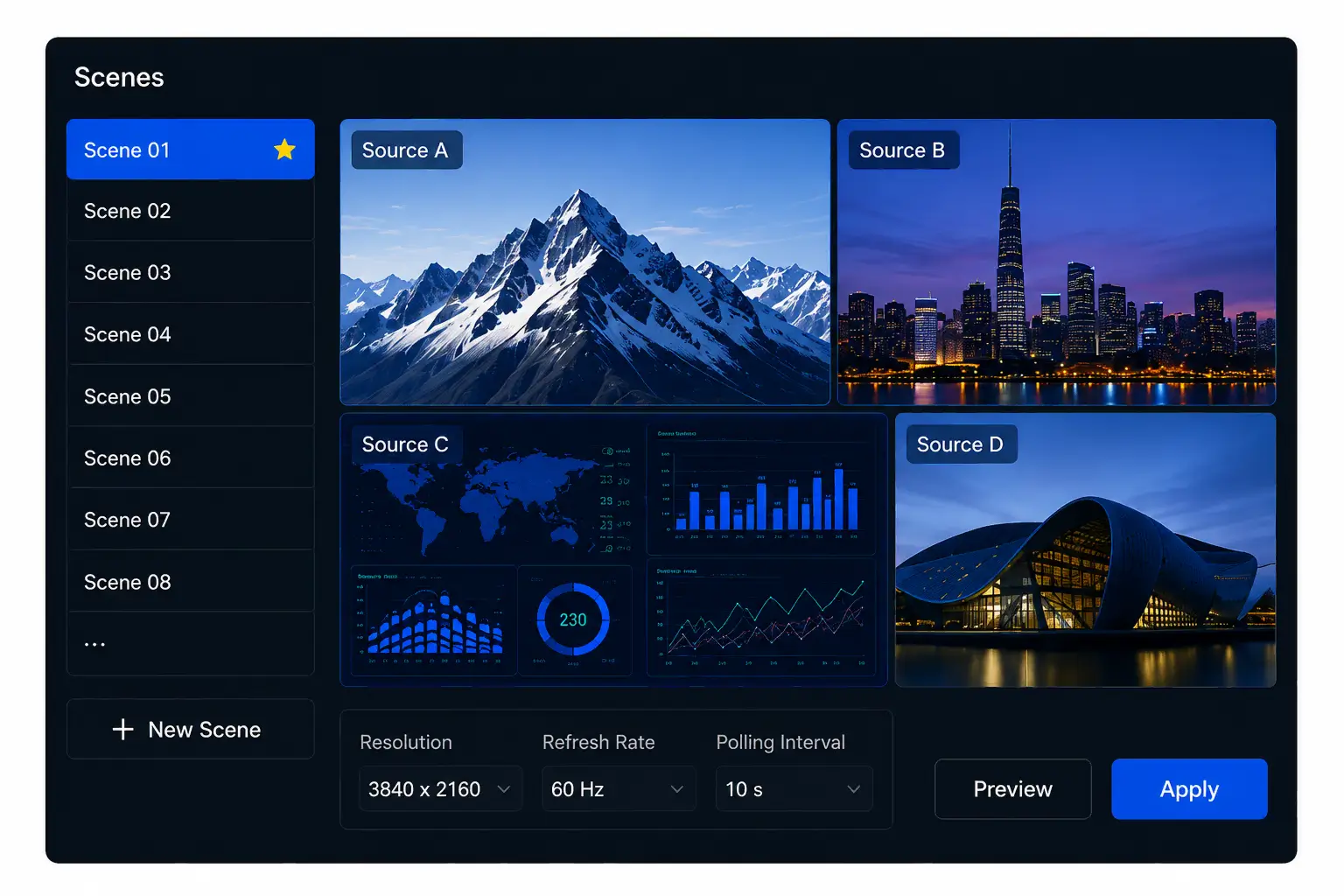
Scene Management
Save, recall and manage video wall scenes for different applications.
Board Detection
Check the connection status of installed input and output boards.
Online Upgrade
Manage system upgrades directly through the Web-based control interface.
Factory Reset
Restore system settings to the factory default configuration when required.
SCENE & SCREEN MANAGEMENT
Manage Complex Video Wall Layouts With Less Effort.
Save and recall video wall scenes, manage screen layouts and reuse configuration files for faster system setup and daily operation.
SCENE MANAGEMENT
Save
Save current window layout, input sources and settings as a scene.
Recall
Recall saved scenes instantly for fast operation.
Preview
Preview scene content and layouts before applying them to the video wall.
Polling
Set polling intervals for automatic scene switching.
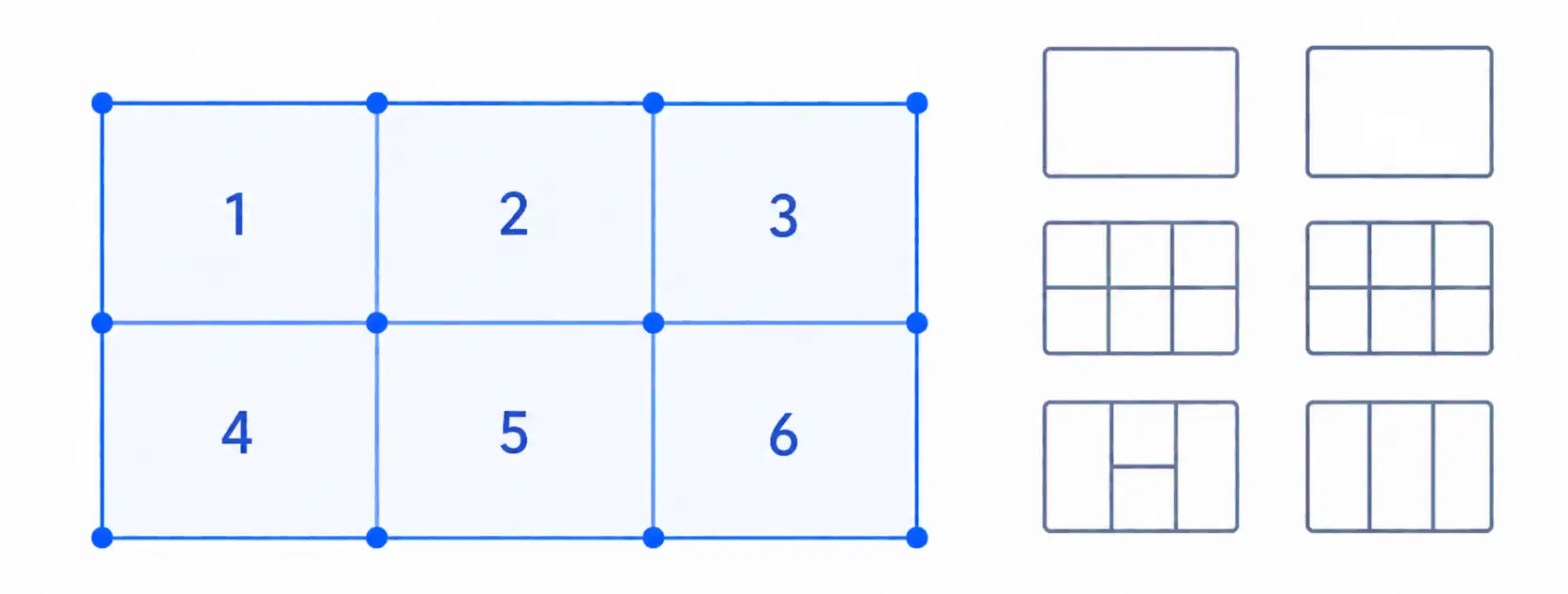
SCREEN MAPPING & PRESET LAYOUTS
Map physical screens and use preset window layouts for faster video wall configuration.
CONFIGURATION IMPORT & EXPORT
Import or export splicing configurations for reuse across projects and system setups.
Ideal for control rooms, conference centers, broadcast studios and other professional applications that require frequent scene switching and multi-screen management.
Control Rooms
Conference Centers
Broadcast Studios
Command Centers
APPLICATION SCENARIOS
Built for Professional Multi-Screen Environments.
From command centers to conference facilities, LY31 provides flexible signal management and multi-screen processing for professional video wall applications.
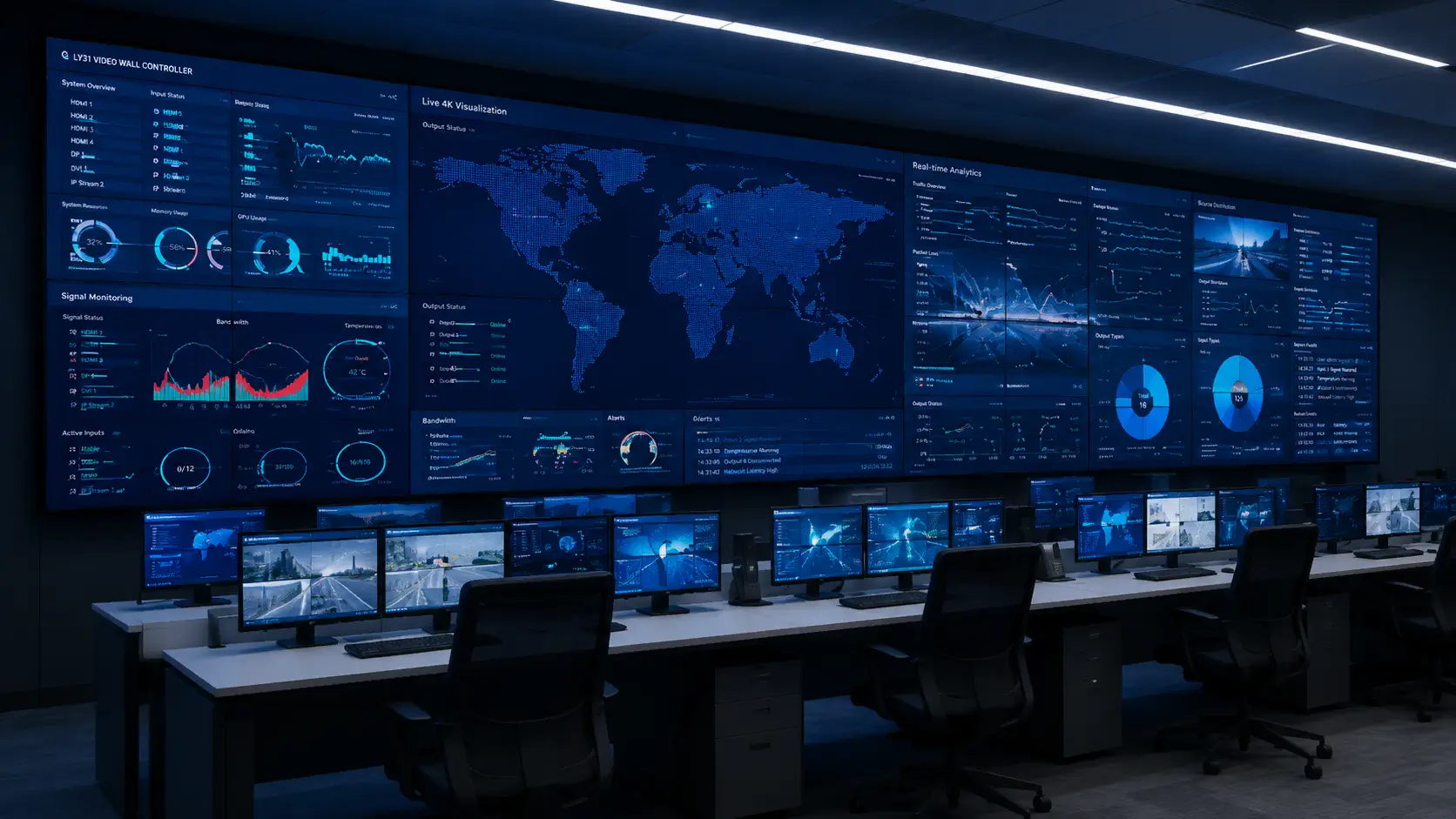
Control & Command Centers
Multi-source visualization and flexible video wall control for centralized monitoring and decision-making environments.
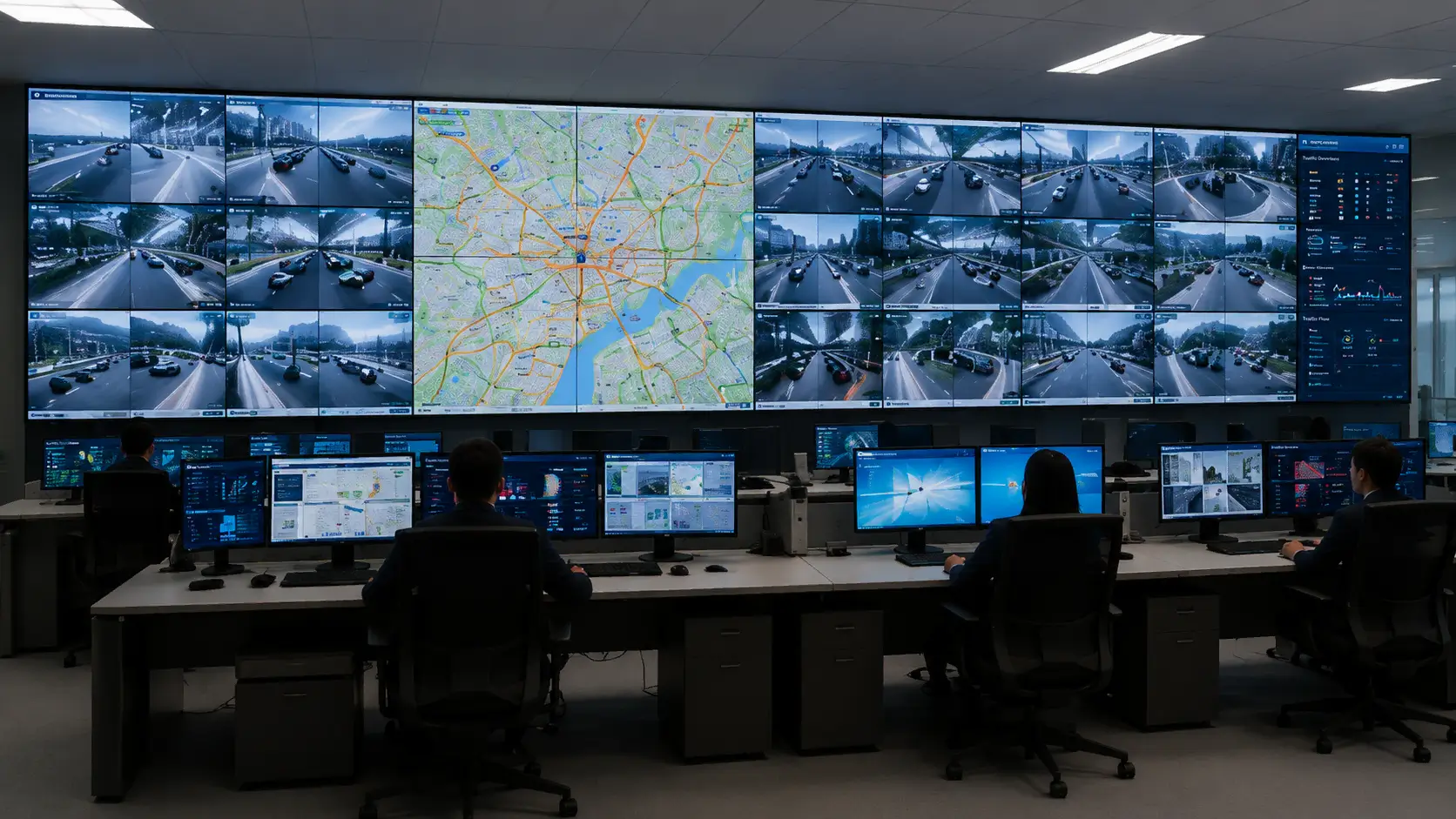
Traffic Management Centers
Manage multiple monitoring and information sources across large-scale traffic visualization systems.
Conference & Operation Centers
Flexible source switching and multi-window display for meetings, presentations and operational collaboration.
Public Infrastructure & Monitoring
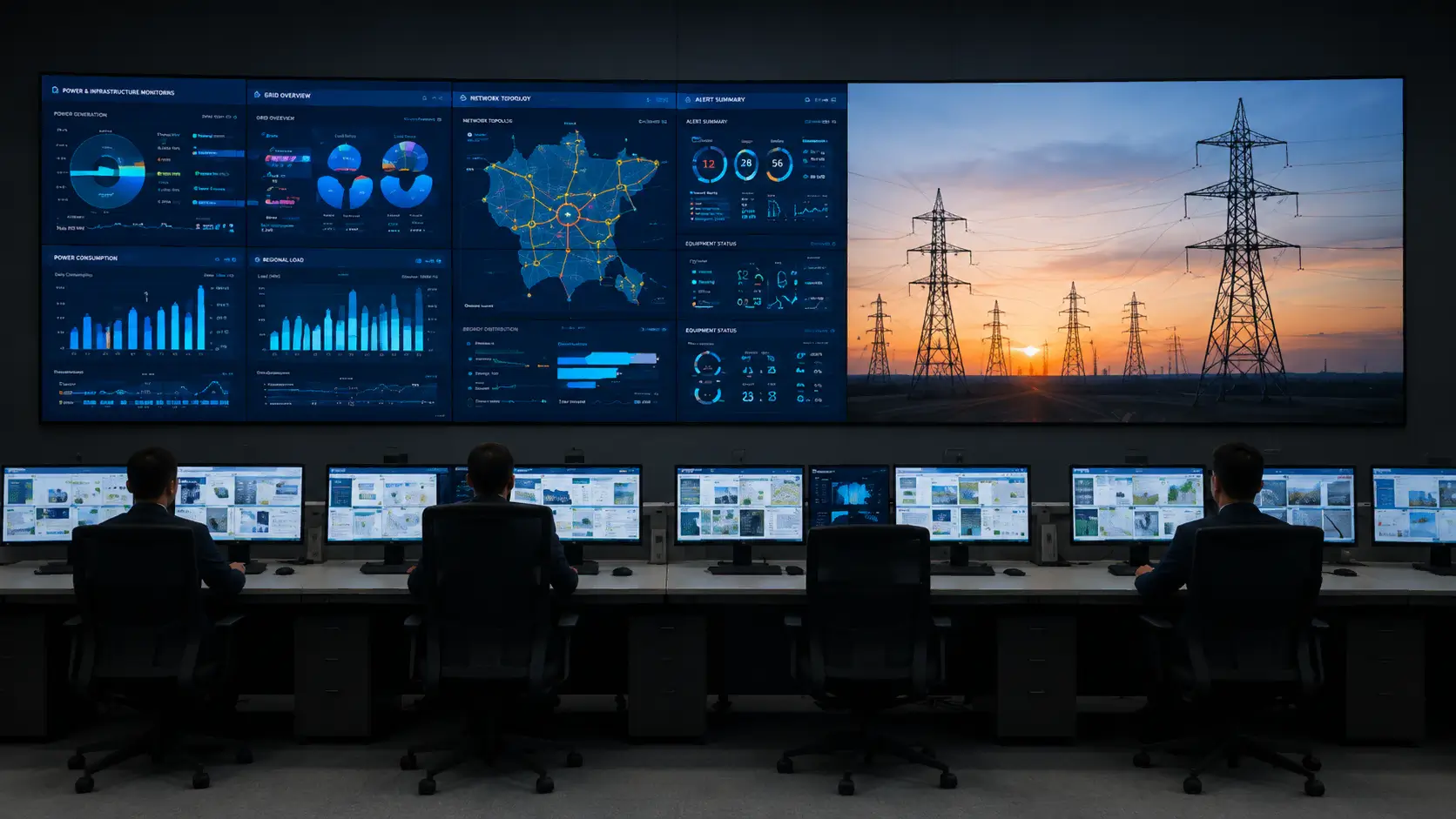
Multi-screen signal management for power, government and other infrastructure monitoring environments.
TECHNICAL SPECIFICATIONS
LY31 Technical Specifications
Key hardware, control, power and environmental specifications for system integration and project planning.
CONTROL & SYSTEM
RS232 Control
9-pin Serial Port
Network Control
RJ45 / TCP/IP
Input Slots
8
Output Slots
12
POWER & ENVIRONMENT
Power Supply
100–240V AC
Frequency
50/60Hz
Power Consumption
25W
Operating Temperature
0°C – +50°C
Relative Humidity
10% – 90%
FREQUENTLY ASKED QUESTIONS
Frequently Asked Questions About the LY31
Find answers to common questions about LY31 video wall processing, signal compatibility, system control and project configuration.
What configuration options are available for the LY31 Series video wall controller?
Supports 20 in 16 out, 8 in 12 out, 16 in 16 out with modular card slots for custom expansion—ideal for multi-screen HD fusion.
Is LY31 easy to install? Does it require professional tools?
Yes, modular hot-swap design with plug-and-play wiring; screen mapping drag tools—solves complex setup pains, no pro tools needed.
How does LY31's multi-window PIP function work? Is latency high?
Drag PIP/across-screen/zoom for real-time adjustments; <50ms low latency for 4K/8K no drops—resolves multi-signal fusion complexities.
Which application scenarios is LY31 best suited for?
Designed for smart city/traffic/power/conference/military/government command centers. Multi-window and screen mapping enable efficient multi-screen collaboration.
What is the maintenance cost for the LY31 Series? Does it support hot expansion?
Hot-swappable slots for no-downtime expansion; remote diagnostics cut costs—solves maintenance disruption pains for 24/7 loads.
Screens messed up or signals mismatched? Can LY31 auto-calibrate in one click?
One-click true alignment! Visual screen mapping, click output card → target screen auto-lights; drag calibration + auto physical detection, 10s for 20 screens, zero-error port matching, supports PIP/across-screen/irregular splicing—ends “half-day alignment still wrong” nightmares!
What is the interface compatibility of this controller? Which signal sources does it support?
Rich interfaces including VGA/DVI/HDMI/CVBS/DP/SDI/HDbaseT/IP-Video/fiber optics with plug-and-play—resolves traditional signal adaptation pains.
ENGINEERING & SOLUTION SUPPORT
Let's Discuss Your LED Display Project
Tell us about your project requirements. Our team will help evaluate the right LED solution based on your application, environment, and technical needs.
10+ Years LED Display Experience
COB & Fine Pitch LED Expertise
Global Project Engineering Support
CERTIFIED FOR GLOBAL ENGINEERING STANDARDS
Get Your LED Solution Proposal
Share your project details and our engineers will get back to you with a suitable solution.
🔒 Your information is kept confidential and will only be used to respond to your project inquiry.